Apple Podcasts transcript missing? Fix the audio before you blame the dashboard
You publish on time. The episode shows up in Apple Podcasts. A day later, the transcript box is still empty. A lot of US creators dig through RSS settings for an hour when the real mess is sitting in the audio file: fan noise, crosstalk, and a loud music bed that makes speech hard to read.
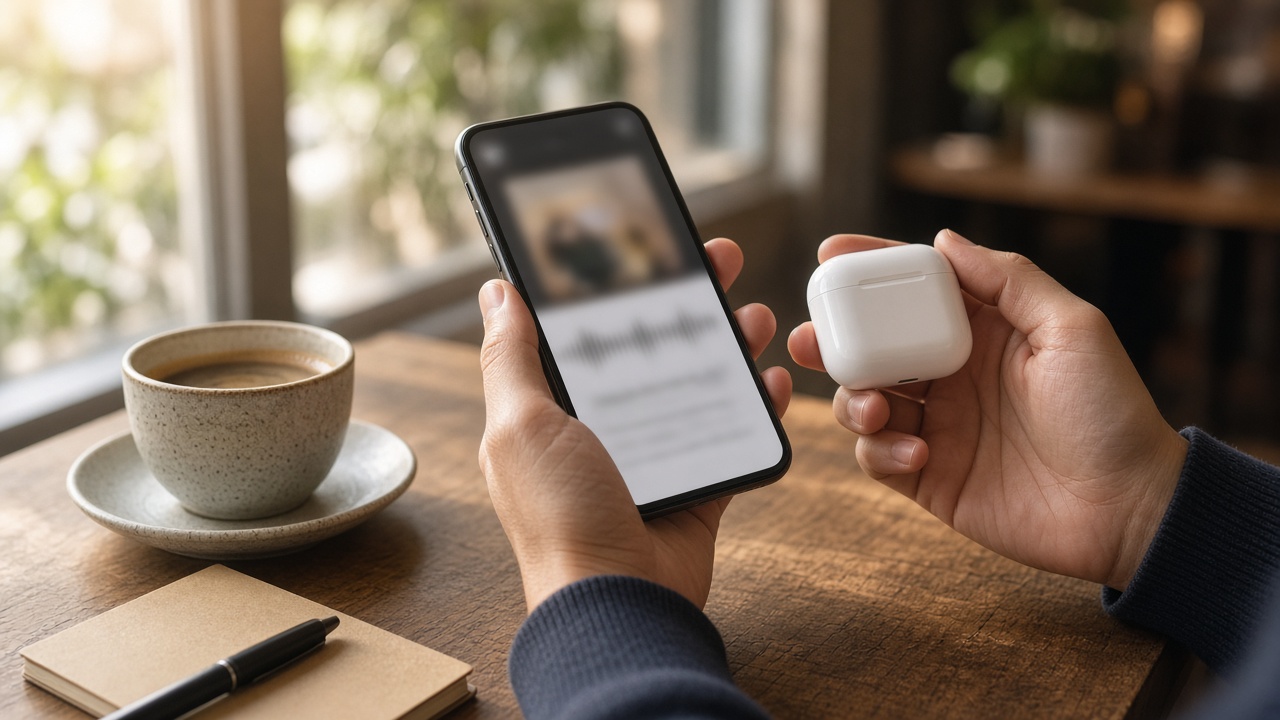
What “Apple Podcasts transcript missing” usually means
In Apple Podcasts Connect, open the episode and look under Audio and Transcripts. That panel is the source of truth. If your Apple Podcasts transcript is missing there, listeners will not magically get one in the app either.
Apple can generate a transcript from your episode audio, or you can upload your own SRT or VTT. Both paths fail for boring reasons:
- The episode is still processing (often needs about 24 hours)
- The show language or explicit settings block display for some listeners
- The audio is hard to understand because of noise, overlap, or music
- Your uploaded caption file is incomplete, mistimed, or the wrong format
This guide is for the audio-first cases. If the dashboard already shows a warning about quality, cleaning the track and shipping a clean SRT is usually faster than refreshing the page every twenty minutes.
Do these five checks before you re-encode anything
Spend ten minutes here. It saves you from cleaning a file that was never the problem.
- Confirm the episode has been live for at least a day.
- Open Audio and Transcripts and read any warning text carefully.
- Make sure the show language matches what you actually recorded.
- Write host and guest names in the show or episode description so name spelling has a chance.
- If the episode is marked explicit, remember some listeners with content restrictions will not see transcripts even when the file exists.
If those look fine and the transcript still never arrives, treat the audio as the bottleneck. That is the moment an Apple Podcasts Connect transcript not showing stops being a mystery and becomes a cleanup job.
How noisy episodes break automatic transcripts
Automatic speech systems need clean turns of talk. They struggle when a laptop fan sits under soft speech, when two people talk over a punchline, or when an intro song stays loud for a full minute while you speak.
Common US home-studio offenders:
- PC or laptop fans that rise when your DAW opens
- Window AC or furnace hum under the desk
- Remote guests recorded through a single Zoom mix
- Ad reads stacked on top of a music bed that never drops
- Phone call segments that sound narrow and hissy
You do not need silence so dead it feels fake. You need consonants that stay clear on phone speakers. If you cannot follow a quiet aside on earbuds, Apple’s transcript engine will miss it too.
Fix podcast audio for Apple transcripts in one careful pass
Work from the dry voice track when you still have it. Keep the original. Name the working copy something blunt like ep118-host-clean-for-apple.wav.
Then:
- Mute music beds and sound effects.
- Upload the voice file to an AI audio cleaner.
- Run one mild noise pass. Do not stack three denoisers.
- A/B the clean against the original at the same volume.
- Listen on headphones and on a phone speaker for about a minute.
Stop when the whir drops and the voice still sounds like you. If the host suddenly feels thin or underwater, you went too far. For a wider cleanup habit, see the background noise remover guide. For laptop whir specifically, the fan noise podcast guide covers that case without turning this article into another generic denoise post.
Tip: Clean host and guest tracks separately when you have local files. One strong setting on a mixed remote call often wrecks the quieter speaker.
Rebuild the mix so speech stays on top
After the voice is clean, bring music back under the words, not over them. Keep the cold open short. If you love a long theme, leave ten clear spoken seconds before the bed swells.
Export with podcast-friendly loudness in mind. Many US shows aim near Apple’s spoken-word comfort zone around -16 LUFS with true peak under -1 dBTP. Exact meters vary by tool, but the idea is simple: keep speech consistent and avoid clipping that shreds words.
Then re-upload or replace the episode audio in your host if your workflow allows a swap. A cleaner file helps automatic transcripts and also helps any SRT you generate next.
Upload SRT to Apple Podcasts when waiting is not worth it
If Podcasts Connect still will not produce a transcript, make your own. Run the cleaned episode through speech to text, export SRT or VTT, and fix names, brands, and city spellings by hand.
Before you upload:
- Cover the full episode, not just the interview middle
- Keep timestamps in order
- Use the language Apple currently supports for your show
- Read the first and last minute out loud against the file
Uploading an SRT to Apple Podcasts is often the cleanest way to end an Apple Podcasts transcript missing loop, especially on episodes with guests, accents, or niche product names. For caption-style habits on video clips, the video to text guide is useful, but this episode path is still audio-first.
A simple publish checklist for the next episode
Use this before you hit publish again:
- Record closer to the mic so speech sits above the room.
- Ask remote guests for a local recording when you can.
- Clean only if noise is obvious after a quiet pause listen.
- Keep music under talk.
- Put real names in the episode notes.
- Wait a day, then check Audio and Transcripts.
- If it is still blank, upload a reviewed SRT.
That routine is dull on purpose. Dull workflows ship. Fancy ones stall in “why is my Apple Podcasts Connect transcript not showing” threads for a week.
When cleaning will not save the transcript
Some files are past rescue for automatic text:
- Heavy crosstalk for long stretches
- Speech drowned by a live audience or bar noise
- Episodes longer than Apple’s practical transcription limits
- Files that were compressed three times for social apps before the podcast export
In those cases, either re-cut a cleaner master from better stems, or write the SRT yourself from a careful human pass. Do not keep slamming noise removal hoping a ruined mix turns into perfect captions.
Common mistakes that keep the transcript box empty
- Judging the episode only on studio headphones
- Leaving a two-minute music bed over the cold open
- Cleaning the final stereo mix five times
- Uploading an SRT that skips ads, midrolls, or the last segment
- Changing RSS hosts mid-week and assuming Apple will rebuild everything overnight
Fix one issue at a time. Audio first. Captions second. Dashboard third.
Frequently asked questions
Why is my Apple Podcasts transcript missing after 24 hours?
Give new episodes at least a day, then open Audio and Transcripts in Podcasts Connect. If the file is noisy, full of crosstalk, or blocked by settings, the transcript may never appear until you clean the audio or upload your own SRT or VTT.
Should I clean the finished mix or the dry voice track?
Clean the dry voice track when you still have it. Music beds and layered effects make noise removal harder and can leave thin patches around breaths. Clean speech first, then rebuild the mix.
Does uploading an SRT replace Apple’s automatic transcript?
Yes. If you provide a valid SRT or VTT that covers the episode, Apple can use your file instead of waiting on an automatic transcript that never arrives.
Can loud intro music stop an Apple Podcasts transcript from showing?
It can. Long music beds, stacked ads, and overlapping talk make speech harder to read. Keep music under the voice, leave a short spoken open, and avoid talking over each other for long stretches.
Clean episode audio Make an SRT with speech to text
More guides: Remove fan noise from podcastSpeech to text guideBackground noise remover