Speech to text that is easy to use and easy to trust
Speech to text should save time, not create more cleanup work. This guide shows a simple way to turn recordings into clear text for notes, captions, and drafts with an audio to text converter you can trust.
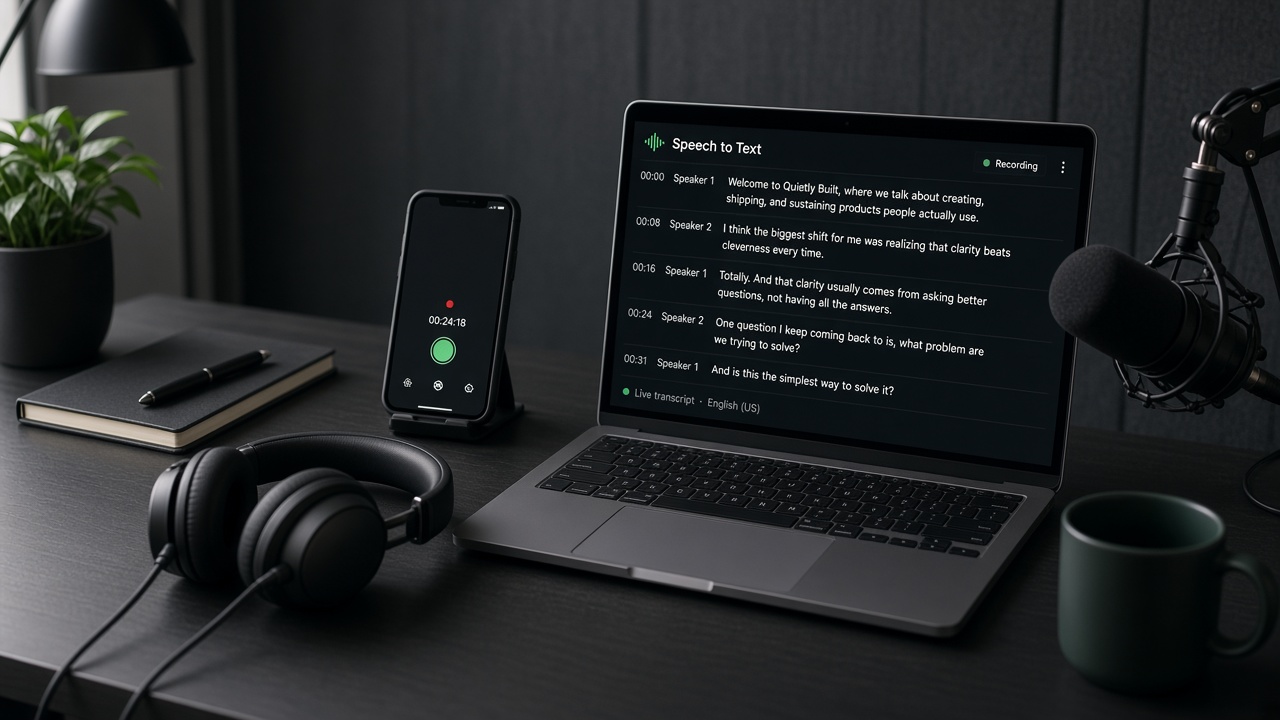
What speech to text is good for
Speech to text turns spoken words into editable text. People use it for meeting notes, interview drafts, class recordings, podcast summaries, and caption starting points.
An audio to text converter is especially helpful when typing everything by hand would take too long. You still review the output, but you start much closer to finished.
How to get cleaner audio transcription
- Use the clearest recording you have.
- If the file is noisy, run a background noise remover first.
- Upload one recording at a time.
- Generate the transcript.
- Fix names, numbers, and brand terms.
- Export the text for notes or captions.
Tip: A two-minute review after transcription often matters more than chasing a perfect first draft.
What you should still check by hand
- People names and brand names
- Dates, prices, and phone numbers
- Technical terms
- Places where two people talk over each other
Even strong audio transcription can miss those details. A quick pass keeps the file trustworthy.
Speech to text for captions
If you need captions, start with speech to text, then break long lines into shorter caption blocks. Keep each line easy to read on mobile. Do not paste a giant paragraph onto the screen.
For talking videos, the same process works with video transcription. Clean the sound first if music or street noise is loud.
A practical weekly workflow
Many creators batch this work. Record during the week, clean the best clips, run speech to text, then edit the text into posts, captions, or summaries. That rhythm keeps content moving without daily stress.
Students and small teams can use the same habit for lectures and meetings. Upload once, get an audio transcription draft, then highlight action items instead of replaying the whole file.
How to prepare files for an audio to text converter
Before you upload, trim long silence at the start and end. If two people talk over each other for long stretches, mark those parts for careful review later. Loud music under speech also hurts accuracy, so lower the music track when you can.
If the file came from a phone in a noisy room, run a background noise remover first. Speech to text works best when the main voice sits clearly above the room sound.
Keep one naming pattern for your projects, such as date plus topic. That makes it easier to find the right transcript when you reuse audio transcription for captions or blog drafts later.
Turn transcripts into useful content
- Pull quotes for social posts
- Rewrite key points into a short summary
- Build FAQ answers from repeated questions
- Create caption files from the cleanest sections
Speech to text is not only about notes. Used well, one recording can support several pieces of content without starting from a blank page each time.
Frequently asked questions
What is the difference between speech to text and audio transcription?
They are closely related. Speech to text is the action of converting speech into text. Audio transcription is the result you edit and use.
Should I clean audio before using an audio to text converter?
Yes, when the recording has strong background noise. Cleaner speech usually creates a clearer transcript.
Can speech to text replace careful editing?
No. It gives you a fast first draft. You should still review important names, numbers, and final wording.
Is speech to text useful for short voice notes?
Yes. Short voice notes often become clear text quickly, which is helpful for reminders, meeting follow-ups, and draft messages.
More guides: Video to text guideClean audio firstSpeech to text page