How to remove fan noise from a podcast recording
Laptop fans, PC towers, and cheap desk coolers sneak into home podcasts more than people admit. You do not need a studio rebuild. You need one careful clean pass, an honest listen, and a clear rule for when cleaning is not enough.
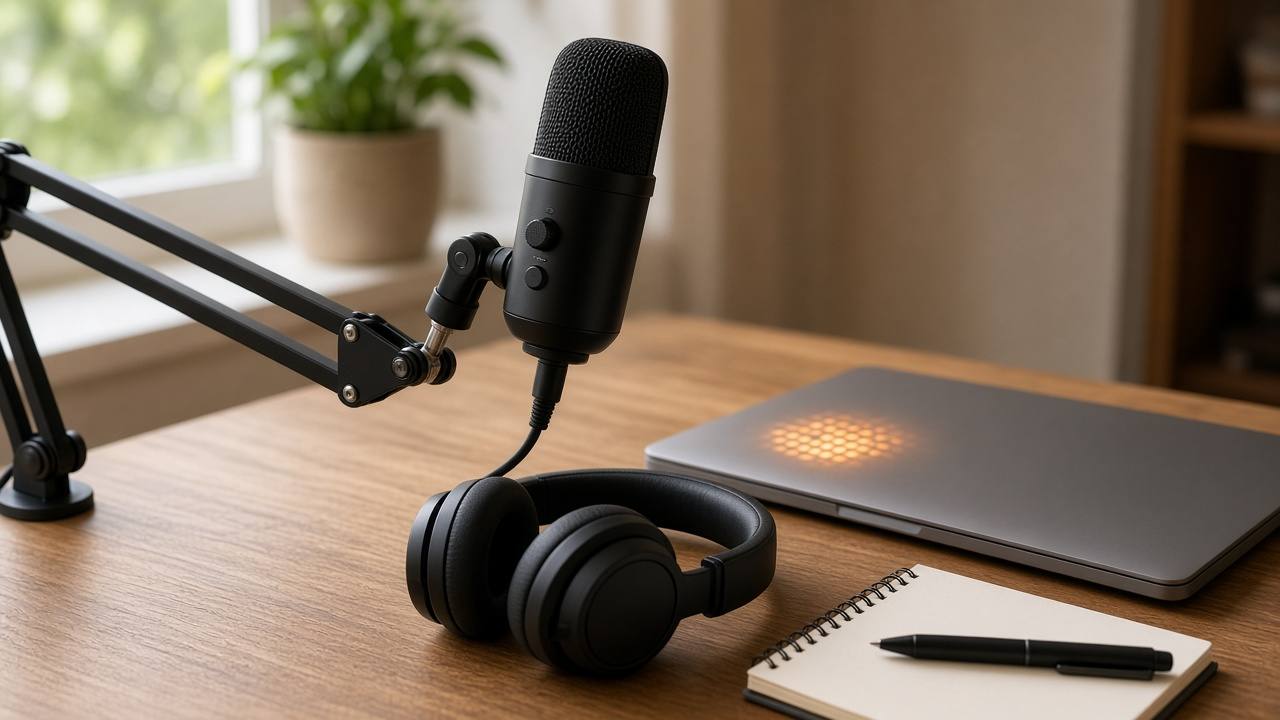
Why fan noise shows up in podcast audio
Most home setups put the mic near a laptop. The fan wakes up when your DAW, browser tabs, or video call starts working harder. You may not notice it with open-back headphones during the take. You hear it later on phone speakers, in the car, or when the episode sits quiet between sentences.
Fan noise is usually steady. That is good news. Steady noise is easier to reduce than random street sounds or people talking in the next room. The bad news is that a hard clean can strip the natural air around your voice and leave a thin, plastic tone.
If you came here to remove fan noise from a podcast, start with that tradeoff in mind: cleaner silence is useful, but a hollow host voice will make listeners leave faster than a soft whir ever would.
Listen for 20 seconds before you touch anything
Open the raw voice track, not the finished mix with music. Mute music beds and sound effects. Sample three places:
- A quiet pause between sentences
- A soft line near the start
- A louder, energetic stretch
Ask a simple question: is the fan louder than your quiet speech? If yes, cleaning can help, but you may also need a better take later. If the fan is only a soft bed under clear words, one mild pass is usually enough.
Keep the original file. Name the working copy something obvious like ep42-host-clean-v1.wav. That habit saves you when version three goes too far and you want the first clean back.
One careful clean pass (not five)
Upload the raw voice file to an AI audio cleaner. Run one pass aimed at background noise. Do not stack three different denoisers in a row. Each extra pass can shave consonants and make breaths sound weird.
Preview the result against the original with the same volume. Focus on:
- S and T sounds still sounding clear
- Soft laughs and quiet asides still present
- Silence between lines that feels calm, not empty and dead
If the voice suddenly feels far away or underwater, you cleaned too hard. Go back to the original and try a lighter setting, or clean only the noisiest chapter instead of the whole episode.
Tip: Clean host and guest tracks separately. Matching one strong setting on both files often ruins the quieter speaker.
Preview like a listener, not like an editor
Editors listen on studio headphones. Listeners do not. After cleaning, play 60 seconds on:
- Your normal headphones
- Phone speakers
- Laptop speakers at low volume
Fan noise often hides on big headphones and jumps out on a phone. The reverse also happens: a clean that sounds fine on a phone can sound hollow on good headphones. If both devices feel okay, you are close.
For a wider checklist, see how to remove background noise without chasing perfect silence.
When fan noise is too loud to fix well
Cleaning has limits. Re-record a section when:
- The fan rises and falls with CPU load, so the noise changes shape every few seconds
- Quiet words disappear under the whir
- Any clean pass makes the voice watery or metallic
- You already compressed the file three times for chat or social apps
A two-minute re-take of one story beat is faster than fighting a ruined track for an hour. Next session, move the laptop farther from the mic, close heavy browser tabs, or record to a phone while the laptop sits across the room on mute video only.
Small room habits that cut fan noise next time
You do not need acoustic foam to improve the next episode. Try these first:
- Put the mic closer to your mouth and lower the input gain a little
- Point the mic away from the laptop vents
- Close render-heavy apps while you record
- Record during a cooler part of the day if your PC fans ramp hard
- Keep one short room-tone clip at the start for reference, then stop obsessing over absolute silence
Closer mic placement raises speech level relative to the fan. That single change often does more than any plugin.
Where this fits in your episode workflow
Best order for most solo or remote podcasts:
- Save the original voice track
- Clean fan and room noise if needed
- Edit words, pauses, and mistakes
- Add music and ads last
If you also need show notes later, cleaner speech helps speech to text catch names and soft asides. Clean first when the fan is obvious. Skip cleaning when the track is already clear.
Solo desk vs remote guest tracks
On a solo desk podcast, your laptop is the usual culprit. Clean that one voice track, then edit. On a remote show, each person brings a different room. Ask guests to send their local recording when you can. Local files beat a single Zoom mix when one side has a loud tower fan and the other is quiet.
If you only have the mixed call export, still try one mild clean. Just accept that you cannot treat speakers differently inside a flattened file. In that case, protect the quieter voice first. A little remaining fan on the louder side is better than a thin guest who sounds far away.
Common mistakes
- Cleaning the final mix instead of the dry voice track
- Running noise removal five times because silence still is not perfect
- Matching one aggressive setting on every speaker
- Judging the result only on studio headphones
- Deleting the original the moment the first clean finishes
Keep the process boring. One pass, compare, keep the better file, move on.
Frequently asked questions
Can I remove fan noise from a podcast after I already edited the episode?
Yes, but clean the raw voice track if you still have it. Cleaning a finished mix with music and effects can make the bed thinner and leave odd gaps around breaths.
Should I clean both guest and host tracks the same way?
Clean each track on its own. One person may have a quiet laptop fan while the other has a loud AC. Matching strength on both files often makes the quieter voice sound hollow.
Is laptop fan noise the same as room hiss?
Not always. Fan noise is often a steady mid-low whir. Hiss is brighter and thinner. An audio cleaner can help with both, but you should preview carefully because treating them like identical problems can over-process the voice.
When should I re-record instead of cleaning?
Re-record when the fan is louder than soft speech, when consonants are buried, or when cleaning makes the voice watery. A short re-take of one section usually beats a heavy clean of the whole episode.
More guides: Background noise removerAI audio toolsAI audio cleaner