AI audio tools you can learn in one afternoon
You do not need a huge toolkit. A few AI audio tools can cover most creator and student work: make a voice, clean a recording, and turn speech into text inside one clear workflow.
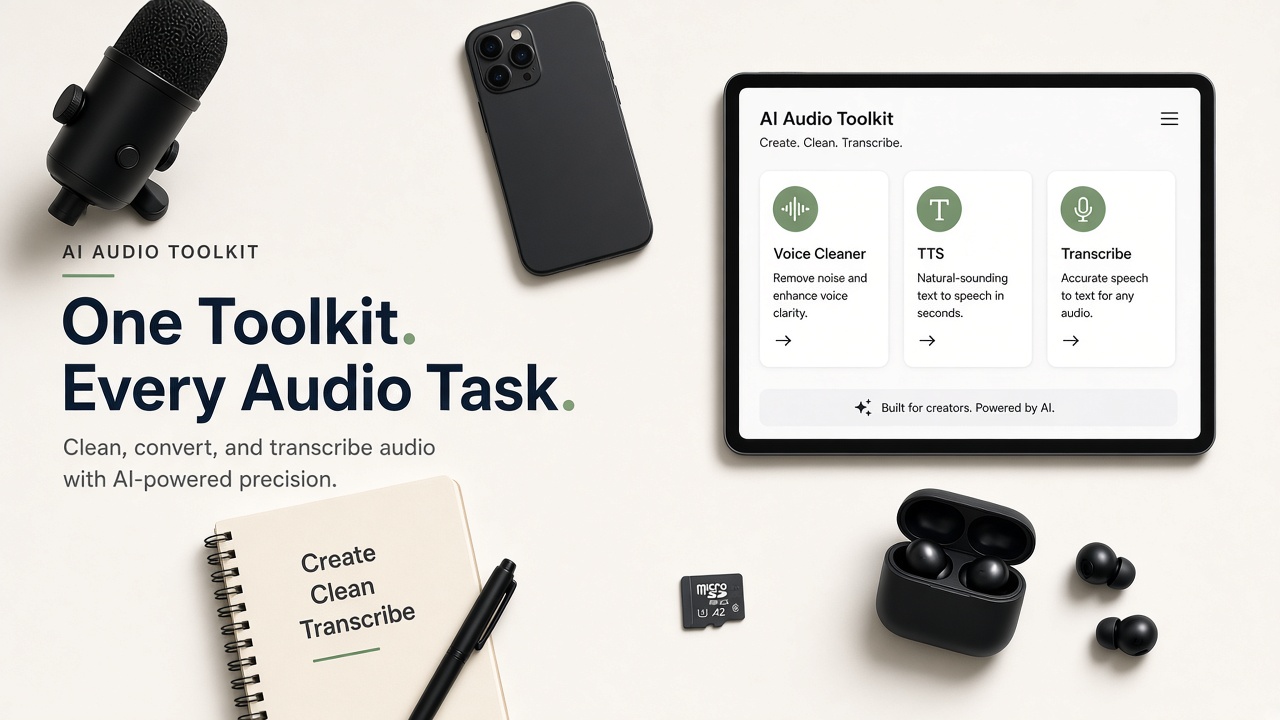
The AI audio tools worth learning first
AI voice generator: Create narration from text when you cannot record.
AI audio cleaner: Reduce background noise so speech is easier to hear.
Speech to text: Turn meetings, interviews, and clips into editable text.
These three cover a surprising amount of weekly work for creators, teachers, marketers, and students.
A one-afternoon practice plan
- Make a 20-second AI voiceover from a short script.
- Clean one noisy phone recording.
- Transcribe one short interview or voice note.
- Save the best version of each file.
By the end of the afternoon, you will understand the full path without getting lost in advanced settings.
Why an all-in-one AI voice platform helps
Separate websites mean separate logins, separate exports, and more chances to lose track of files. An all-in-one AI voice platform keeps AI voice tools and AI audio tools together so you can move from script to cleanup to transcript in one flow.
Tip: If a platform makes the first result hard, it will make every later project harder too. Choose clear over complicated.
How to keep projects organized
- Name files by project and date
- Keep original and cleaned versions separate
- Export a master transcript before heavy edits
- Reuse the same workflow each week
Organization is part of quality. It helps you move faster the next time you create similar content.
What to ignore for now
Skip advanced controls you do not understand yet. First learn how to get a clear voiceover, a cleaner recording, and a readable transcript. Those three skills create more value than memorizing every switch.
Once those basics feel easy, you can explore more AI voice tools for multilingual projects, longer interviews, or batch caption work. Build confidence first, then expand.
Real projects where AI audio tools help
Creators use AI audio tools to narrate product demos, clean phone interviews, and turn talking videos into caption drafts. Teachers use them for lesson voiceovers and clearer class recordings. Marketers use them for ad reads and quick transcript-based copy.
Students often need the same stack for lecture notes: clean the recording, run speech to text, then highlight the important parts. One afternoon of practice covers most of those jobs.
The common pattern is simple. Start with the weakest file in your week, improve it with the right tool, and save a version you can reuse. That habit makes every later project faster.
How to judge quality without overthinking
- Can you understand every key sentence on phone speakers?
- Does the file sound natural, not metallic or hollow?
- Are names and important words correct in the transcript?
- Could you publish this without another full rewrite?
If the answer is yes, you are done enough. AI audio tools should help you finish work, not trap you in endless tweaks inside an all-in-one AI voice platform.
Frequently asked questions
What are AI audio tools?
They are tools that help you create, clean, or convert spoken audio. Common examples include an AI voice generator, an AI audio cleaner, and speech to text.
Do beginners need many AI audio tools?
No. Start with voice generation, noise cleanup, and transcription. Learn those well before adding more.
What is the benefit of an all-in-one AI voice platform?
It keeps your workflow in one place, which saves time and reduces confusion when you move between creating, cleaning, and converting audio.
How long does it take to learn the basics?
Most people can learn a simple create, clean, and transcribe workflow in one focused afternoon with short practice files.
More guides: AI voice tools guideCreate AI voiceoverRemove background noise