Clean Amazon product video warehouse noise before you upload
Your product looks fine on camera. The audio sounds like a loading dock. Buyers on phones notice fan wash and forklift beeps before they notice your stitching detail. If you need to clean Amazon product video warehouse noise, do it on a copy of the file before the listing goes live, not after you already compressed the video three times.
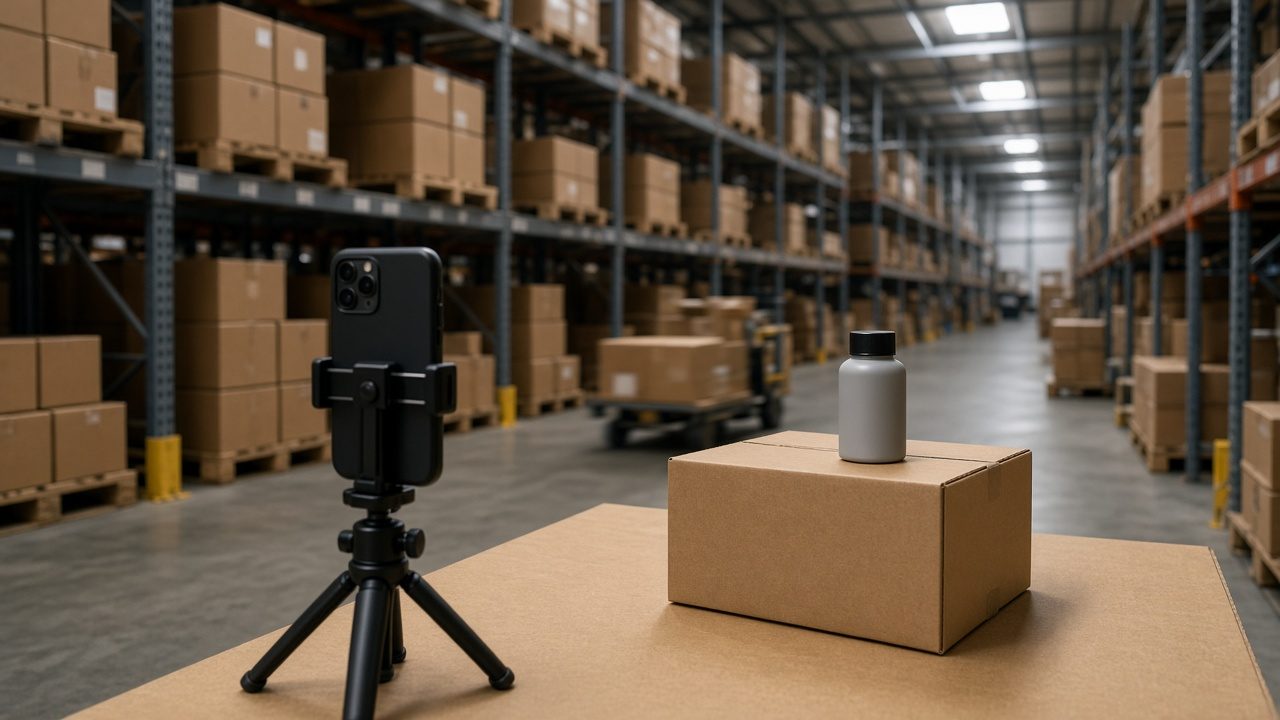
Why warehouse demos fail the phone-speaker test
Fulfillment and prep spaces are built for airflow and movement, not voice. Common noise under seller demos:
- Roof or wall fans that never stop
- Packing tape screeches
- Scanner beeps
- Pallet jacks and forklifts
- Echo from hard floors and metal racks
On laptop speakers during edit, you may still follow the script. On a phone in a grocery line, the voice gets smaller and the warehouse gets louder. US Amazon shoppers often preview listing videos with phone speakers, not studio headphones.
Work from the best master you have
Keep the camera original. Duplicate it. Clean the duplicate. If you shot separate voiceover later in a quiet room, use that voiceover and ditch the noisy on-camera audio for the listing cut. Quiet ADR almost always beats heroic denoise of a dock recording.
If on-camera audio is all you have, extract or process the audio track, clean once, then rebuild the listing video in your editor or with AI video tools.
Tip: Never clean the already-uploaded Amazon compressed render as your only master. Keep the camera original so you can re-export cleanly.
One mild clean pass
Upload the voice track or video to an AI audio cleaner workflow. Aim for speech clarity, not museum silence. Warehouse ambience can disappear a little. It should not leave your voice sounding like a tunnel.
Check:
- Product name and size callouts still crisp
- Soft words like soft, six, and stitch still audible
- Beeps reduced enough that they stop stealing attention
If cleaning smears consonants, back off. A slightly imperfect room with clear speech converts better than a robotic voice. For general cleanup habits, see the background noise remover guide.
Script lines that survive noise
Say the three buyer questions slowly:
- What is it
- What is in the box
- Who it is for
Repeat the ASIN or model only if you must. Numbers die first under fan noise. Slow them down. Pause when a scanner chirps or a pallet jack rolls past. Buyers forgive a short pause. They do not forgive a mumbled size line.
Phone and TV app check
After cleaning, watch thirty seconds on:
- Phone speaker
- Earbuds
- A TV or tablet if that is how you review listings
Amazon shoppers are not in your quiet office. Match their playback world before you replace the listing media.
Captions after the clean
If you want on-screen text for the demo, run the cleaned audio through speech to text. Clean first. Noisy warehouse audio invents wrong sizes, wrong colors, and nonsense around brand names.
Fix SKU spellings by hand. Order matters: clean, then caption, then export the listing cut.
When to re-shoot instead
Re-shoot in a quieter corner or after hours when:
- A forklift crosses the frame every take
- Echo makes every word smear
- You are more than a couple of feet from the mic
- The only file left is a Messenger compressed copy
A two-minute re-take next to cardboard soft goods often beats an hour of cleanup. Soft goods soak echo. Metal racks throw it back at the mic.
Listing upload checklist
- Save camera original
- Clean Amazon product video warehouse noise on a copy
- Phone-speaker check
- Keep music very low or skip it for demo clarity
- Export once at a sensible bitrate
- Upload and play the Amazon preview before you walk away
That routine is dull on purpose. Dull routines ship clearer listing videos than another night of stacking denoisers on a dock take.
Common mistakes
- Adding loud stock music on top of a dirty dock track
- Cleaning the already-uploaded compressed render
- Talking while packing tape screams next to the mic
- Judging audio only on studio headphones
- Deleting the camera original after one clean
- Whispering a size callout from across the aisle
Frequently asked questions
Can I clean Amazon product video warehouse noise without re-filming?
Often yes for steady fans. Moving beeps and hard echo have limits. Preview honestly and re-shoot if speech stays buried.
Should I use on-camera audio or a separate voiceover for Amazon listing videos?
Separate quiet voiceover is usually safer for listings. Use warehouse B-roll with clean narration.
Does cleaning help Amazon A+ or brand story video too?
Yes. Same rule: clear speech first, polish second.
When should I re-shoot a warehouse product demo instead of cleaning?
Re-shoot when forklifts cross every take, echo smears every word, you stand too far from the mic, or the only file left is a chat-app compressed copy.
Clean the warehouse demo audio Rebuild with AI video tools
More guides: Clean Tesla cabin voice recordingVoice Memos Enhance still noisy after exportBackground noise remover