Upload video
Select a supported video file from your device.
▶ Online creator workflow
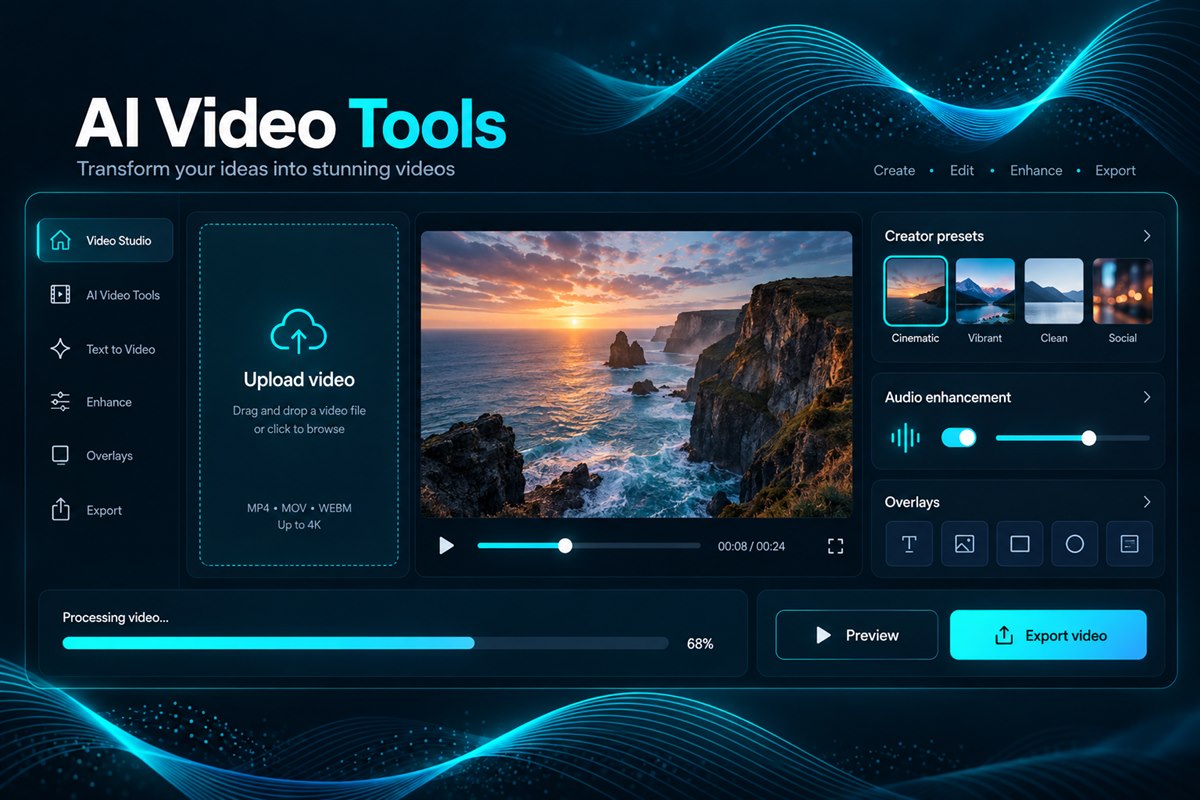
Improve video audio, use creator presets, apply overlays, and prepare polished media from one private online workspace built for creators and teams.
 Open AI Video Tools →
Create polished video
VoiceStockAI brings practical video transformations into the same workspace as audio cleaning, AI voice generation, and transcription. Upload supported media, choose the workflow that fits your project, follow processing progress, and review the result.
Use the video studio for social content, YouTube workflows, promotional clips, educational media, and projects that need clearer sound.
How it works
Select a supported video file from your device.
Select a preset, overlay, transformation, or audio option.
Review your processed media and download the result.
Prepare clearer, more polished media for long-form and tutorial content.
Process short promotional, educational, and entertainment videos.
Improve presentations, product demonstrations, and marketing clips.
FAQ
They support creator presets, overlays, video transformations, and audio-focused processing workflows.
Yes. Compatible video files can be processed to reduce distracting background sound.
Process and enhance your video in the VoiceStockAI workspace.
Open AI Video Tools