Clean a Tesla cabin voice recording before you post it on YouTube
You hit record on your phone while the car is moving, talk through a tip for other owners, and it sounds fine with road noise in the background. Later, on earbuds, the cabin wash covers half your words. If you want to clean a Tesla cabin voice recording for YouTube, do not fight the whole mix with five plugins. Clean the voice once, check it on a phone speaker, then decide if the take is worth posting.
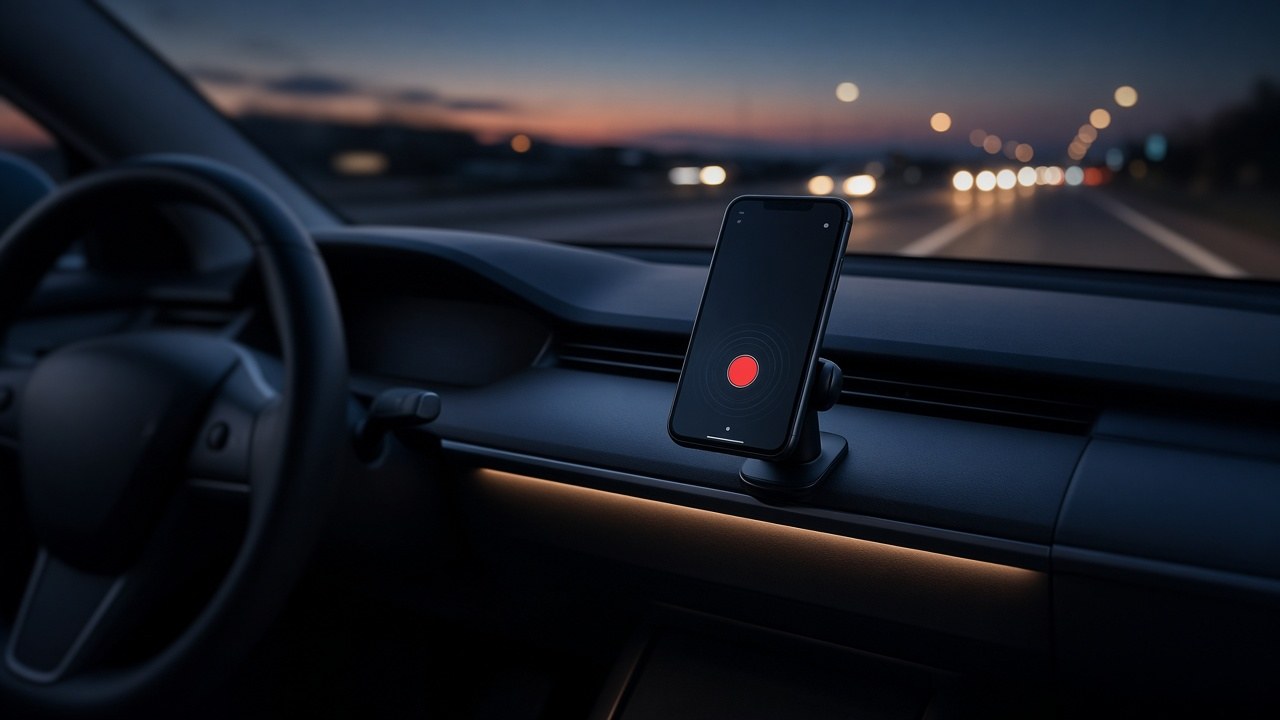
Why Tesla cabin recordings sound fine in the car and bad online
Cabin noise is sneaky. Tire roar on concrete, wind around the mirrors, HVAC push, and seatbelt rustle all sit under your voice. Inside the car your brain tunes them out. Online, listeners have no visual context, so every whoosh becomes part of the show.
Model 3 and Model Y owners in the US often record with the phone on a mount or in a cup holder. That puts the mic far from your mouth and closer to vents and glass. The farther the phone sits, the more cabin noise you capture relative to speech.
Creator tips about charging, tire wear, HW4 cameras, or FSD behavior get watched on phones in quiet rooms. Your earbud listener hears every coarse-pavement growl that felt normal on the highway.
Listen for 30 seconds before you clean anything
Open the raw voice memo. Mute any music you planned to add later. Sample three spots:
- A quiet pause between sentences
- A soft line
- A louder, excited line
Ask one question: is the road louder than your quiet speech? If yes, cleaning can help, but a second take parked in a quiet garage may still win. If the road is only a soft bed and words are clear, one mild clean is usually enough.
Keep the original file. Name the working copy something obvious like tesla-cabin-clean-v1.m4a.
One careful clean pass
Upload the dry voice file to an AI audio cleaner. Run one pass aimed at steady background noise. Do not stack three denoisers. Each extra pass can shave S and T sounds and make breaths weird.
Preview against the original at the same volume. Focus on:
- Consonants still clear
- Soft asides still present
- Silence between lines that feels calm, not empty and dead
If the voice suddenly feels far away or underwater, you cleaned too hard. Go back to the original and try a lighter setting, or clean only the noisiest minute instead of the whole memo. For general cleanup habits beyond the car, see the background noise remover guide.
Tip: Clean the voice track alone. Do not clean a finished YouTube export that already has music, whoosh effects, and loud tire B-roll audio mixed in.
Parked vs moving takes
A parked take with HVAC on low is easier to save than highway audio at 70 mph. If your tip does not need rolling B-roll, record parked, then shoot silent driving clips separately. Sync later if you need visuals.
When you must record moving:
- Hold the phone closer to your mouth than to the vent
- Point away from side glass when you can
- Turn fan speed down for the voice take
- Avoid talking through hard acceleration on coarse pavement
Those habits raise speech over cabin noise before any software touches the file. US owners who film on interstate concrete get the harshest tire roar. A short neighborhood loop on smoother asphalt is kinder to the mic than a full freeway merge.
Phone mount habits that change the file
Where the phone lives matters as much as which cleaner you use:
- Dash mount near the windshield picks up more wind and glass vibration
- Cup holder often sits next to HVAC output
- Hand-held near your chin beats any far mount for speech level
- Phone face-down under a seat is almost always a throwaway take
If you need both hands for the drive, a small lav near the collar usually beats a distant phone. Convenience mounts are fine for video. They are a weak default for narration.
Phone speaker check
After cleaning, play 45 seconds on:
- Normal headphones
- Phone speaker at medium volume
- Laptop speakers low
Cabin roar often hides on big headphones and jumps out on a phone. The reverse happens too: a clean that sounds fine on a phone can sound hollow on good headphones. If both feel okay, you are close.
Do not judge the final only on Tesla cabin speakers. That room already trains your ear to ignore road wash.
Where speech to text fits
If you want on-screen captions for Shorts or a full YouTube description outline, run the cleaned file through speech to text. Clean first. Noisy cabin audio creates wrong street names, wrong model years, and nonsense around product names.
Export SRT if you need captions. Fix Tesla jargon by hand: HW4, USS, FSD, cabin camera, stalk vs stalkless, and so on. Automatic text loves inventing wrong hardware names when tire roar peaks.
Order matters: clean, then caption. If you caption the noisy memo first, timing drifts after cleanup and you redo the pass.
When cleaning will not save the take
Re-record when:
- Wind buffets the mic every few seconds
- Words disappear under tire roar
- Any clean pass makes the voice watery
- The memo was already compressed through chat apps three times
A two-minute parked re-take beats an hour of fighting a ruined highway clip. Pull into a quiet garage, turn the fan down, and say the same tip once more. Keep the better driving B-roll and swap only the voice.
Simple publish checklist
- Save the original memo
- Clean once if road noise is obvious
- Check on a phone speaker
- Add captions from the cleaned file if needed
- Add music last and keep it under speech
- Export for YouTube without crushing the file again
Keep the process boring. One pass, compare, keep the better file, move on. That routine ships clearer Tesla tips than another night of stacking plugins on a highway take.
Common mistakes
- Cleaning the final edit with music already loud
- Matching one aggressive setting on every clip from different roads
- Judging the result only in the Tesla cabin speakers
- Deleting the original the moment the first clean finishes
- Posting a voice memo that was recorded with the phone face-down under the seat
- Trying to bury cabin roar with louder trending audio instead of cleaning the voice
Frequently asked questions
Can I clean a Tesla cabin voice recording after I already edited the YouTube video?
Yes, but clean the dry voice track if you still have it. Cleaning a finished mix with music can thin the bed and leave odd gaps around breaths.
Is highway noise the same as HVAC hum in a Tesla?
Not always. Highway roar changes with speed and pavement. HVAC is steadier. An audio cleaner can help with both, but preview carefully because treating them as identical problems can over-process the voice.
Should I record to the phone or to a lavalier in the car?
A closer mic almost always wins. If you have a lav near your mouth, use it. Phone in the cup holder is convenient and usually noisier.
When should I re-record instead of cleaning a Tesla voice memo?
Re-record when road noise is louder than soft speech, when consonants are buried, or when cleaning makes the voice sound thin. A short parked take usually beats a heavy clean of a loud highway memo.
Clean the cabin voice memo Make captions with speech to text
More guides: Voice Memos Enhance still noisy after exportBackground noise removerRemove fan noise from podcast